Coca
Keep Your Mac and Apps Awake
Check vital stats from iOS, Apple Watch, Apple TV and Apple Vision.
*Deep Control & Unlock is available in Direct
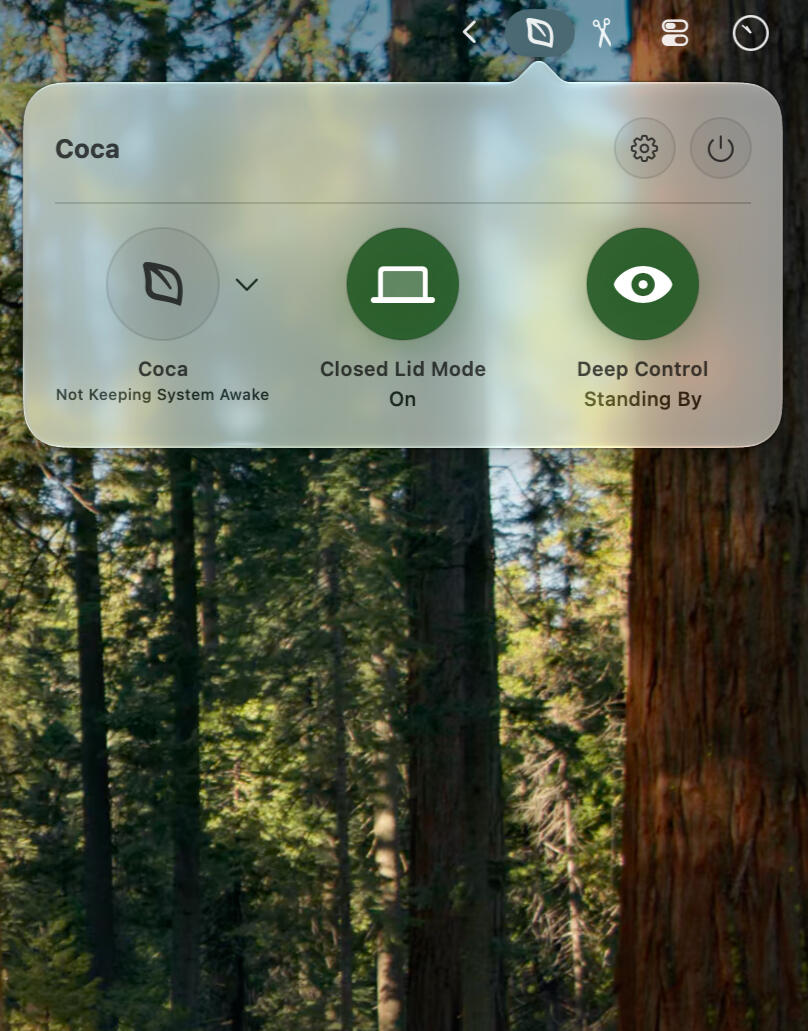
Coca
Closed Lid Mode
Coca allows full control, when and how to keep a Mac from sleep.
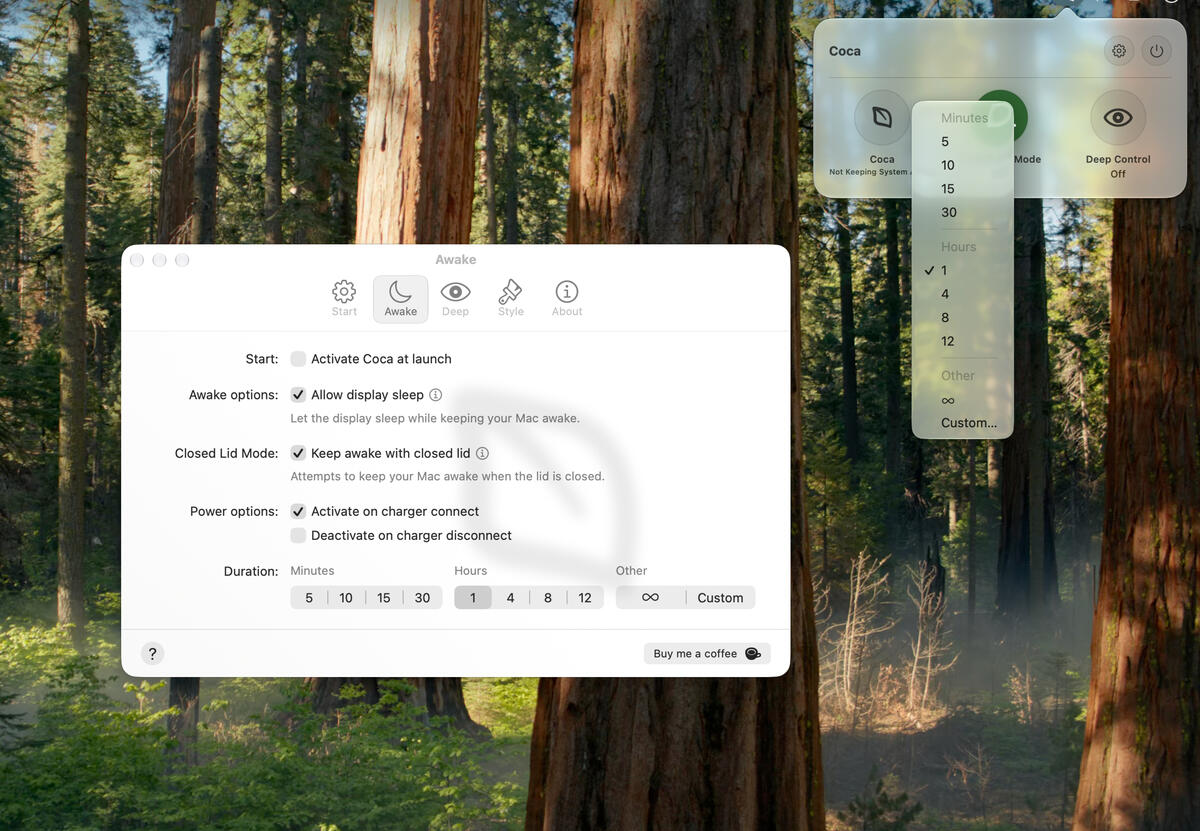
Organized Settings
Set a custom time amount. Activate closed lid mode with one checkbox.
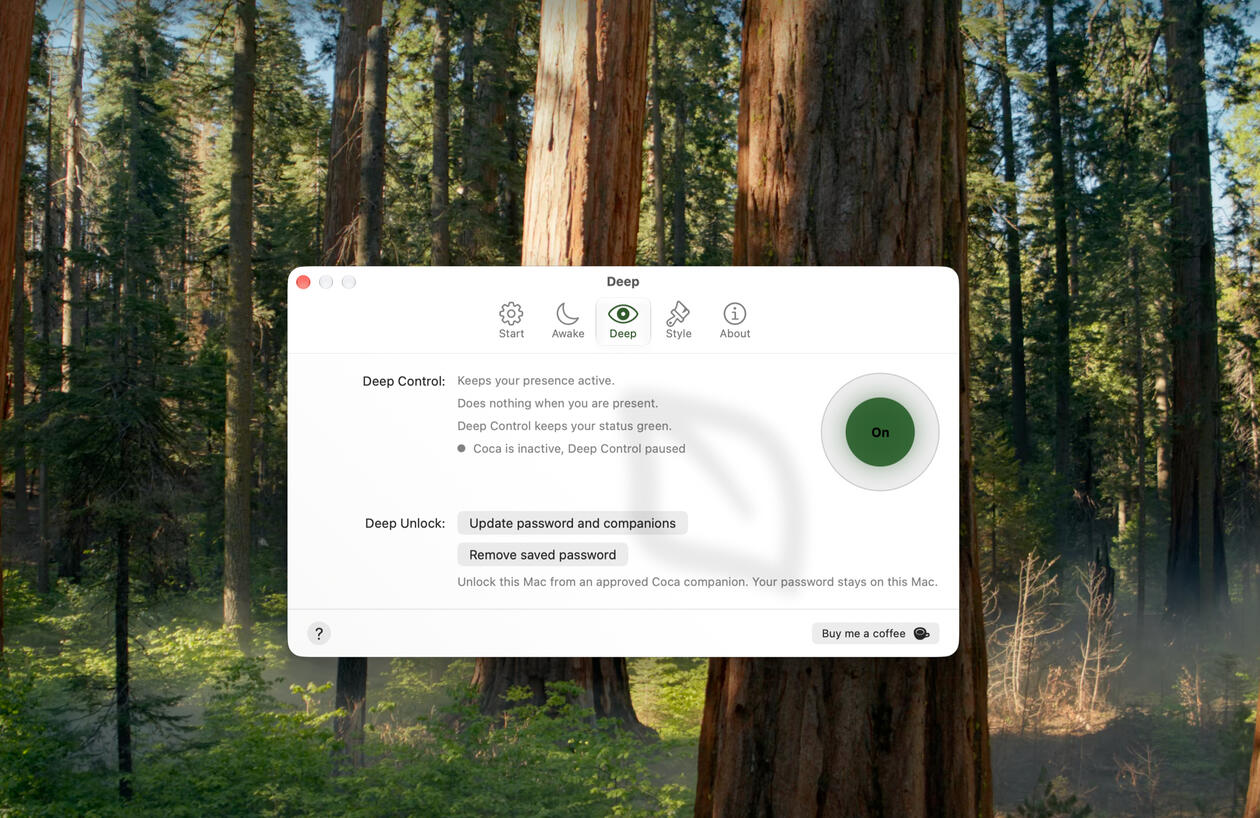
Deep Control*, De-Stress
When idle, Coca can simulate subtle mouse movement to keep your presence green!
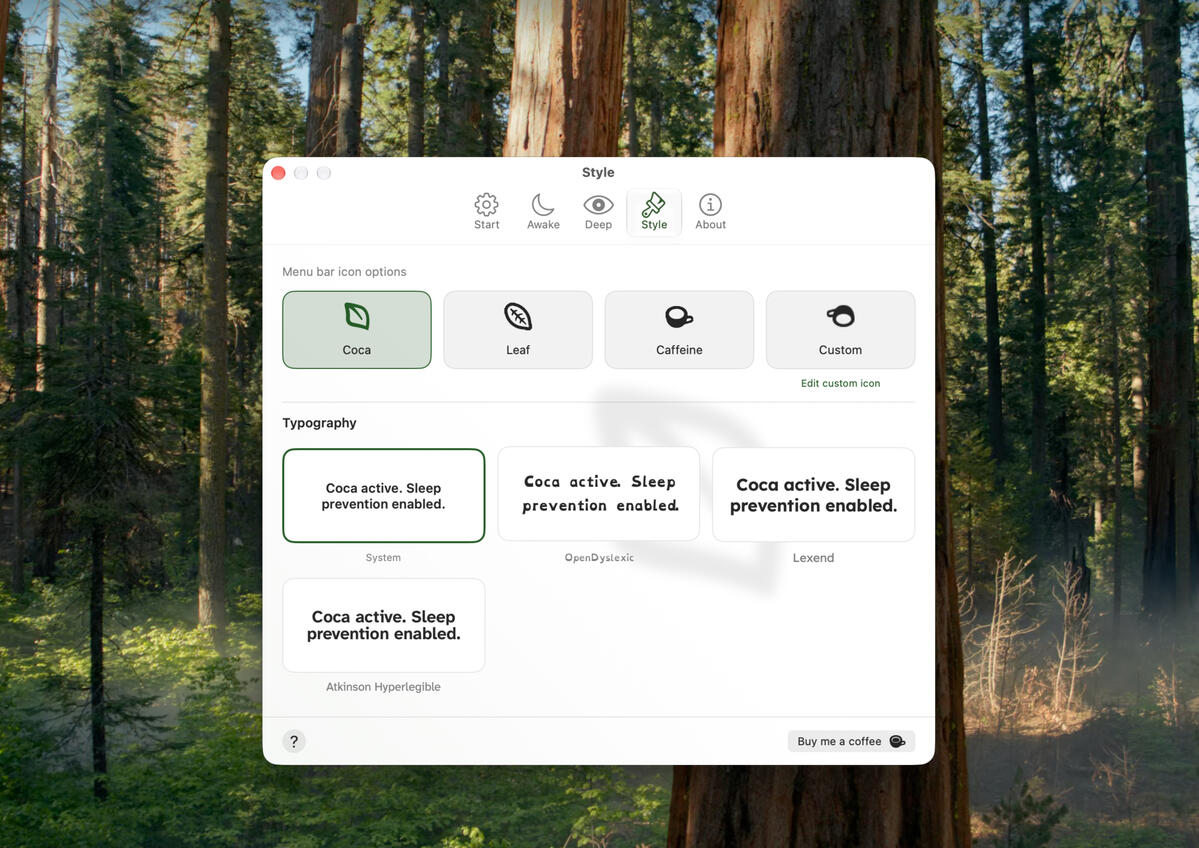
Customizable
Adjust the menu bar icon. You can even add your own. No In-App purchase required.

*Deep Control & Unlock is available in Direct
Coca
Powerful Features
Closed Lid Mode allows you to keep working with your MacBook closed. Deep Control keeps you green during this and Focus Filtering + Apple Shortcuts give you full automation control.
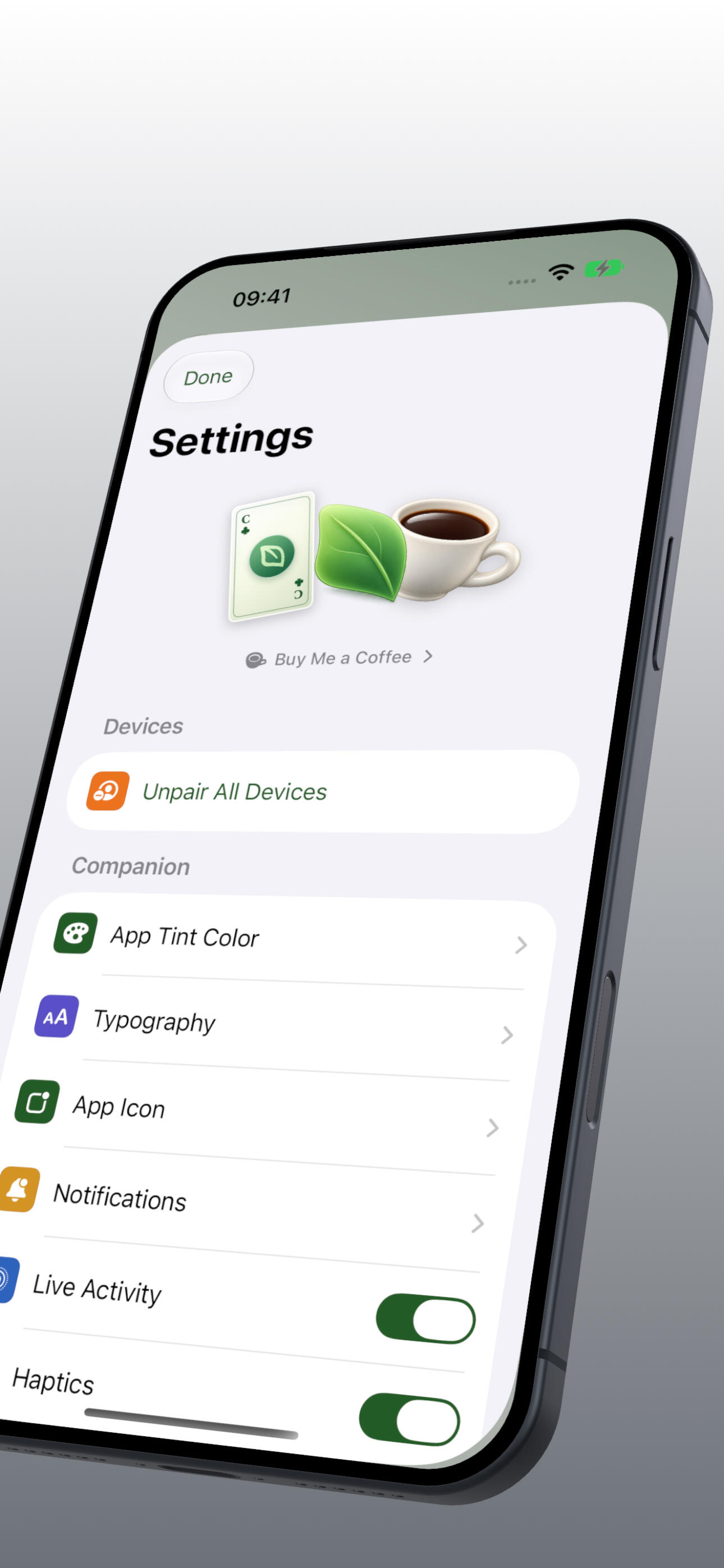
Coca Companion App
Use Coca Companion to check in on your Mac while Coca keeps it awake. Check close lid mode, battery, thermals and more.
Deep Control*
Deep Control*, stay present in apps. This does not interfere with your work by only applying subtle mouse movement when no input is given.
Focus Filtering & Apple Shortcuts
Focus Filtering can have Coca automatically activate with your work shift. With Shortcuts there are no limits to customization.
*Deep Control & Unlock is available in Direct
Coca for Game Boy
Game Boy Color / Mod Retro / Delta Emulator


Game Boy Games
FREE in Coca Arcade
Coca Companion I – Coffee Catch & Coca Companion II – and the Quest for Distribution
*Coca Arcade is included in Coca 2.3+